No more guessing, whipping up a calculator or measuring tape.
A 3-step process and all 3 restraint of a lashing will be displayed in real-time .
1. Enter safe working load of the lashing.
2. Align phone with the forward-drive direction and tap.
3. Align phone with the lashing and tap.
Download now…
The download is free with 28 days free-trial.
No need for registration.
Continue free use with limited feature after free-trial.
There is nothing to lose by downloading it.
Make this app part of your tool collection.
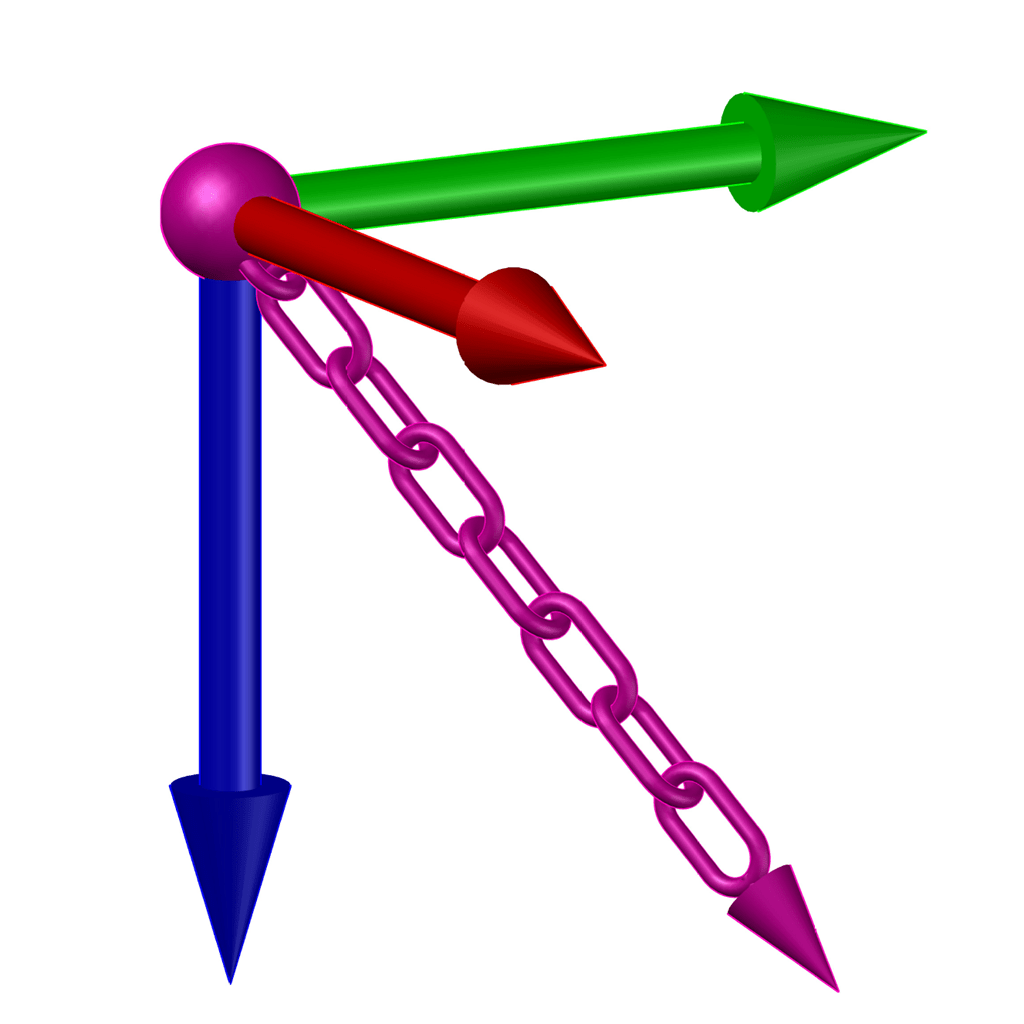
The systematic collection of angles will be used to calculate and show the restraints achievable in real-time.
Continue with the remaining lashings and the total restraint on the load will be summarized as each lashing is gauged.
This restraint gauge is a mobile tool. It measures the achievable restraining forces of a lashing installed to hold the cargo on your trailer, in real time.
At the time of publish this is something unheard of. Too good to be true.

How does it work.
The techniques used by this app is in line with load restraint guides published by public road authorities. Some recommended using the distances between the lashing point on the load/cargo and the anchoring point on the trailer deck. Another propose using “Angle Cards”. Ultimately, the final values critical for the calculations are the lashing angles made between the trailer deck and the load.
They focus on tie-down restraint and very little on acceleration, deceleration and centrifugal restraints.
This app goes all the way and calculates the restraints with ease. Requiring minimal user interactions and displays the directions effectively and instantaneously. Without the use of calculator or measuring tape.
The app uses the existing resources that is already available in all mobile phones. Which is the gyroscope, detecting the change in angles as the phone is moved.
It starts with the entry of the safe working load of the lashing. The mobile phone’s gyroscope systematically takes the required angles of the lashing. This occurs when it is aligned with the lashing after defining the forward-drive direction.
The restraint in all directions are automatically determined from the angles taken by the phone. They are calculated and displayed in real-time.
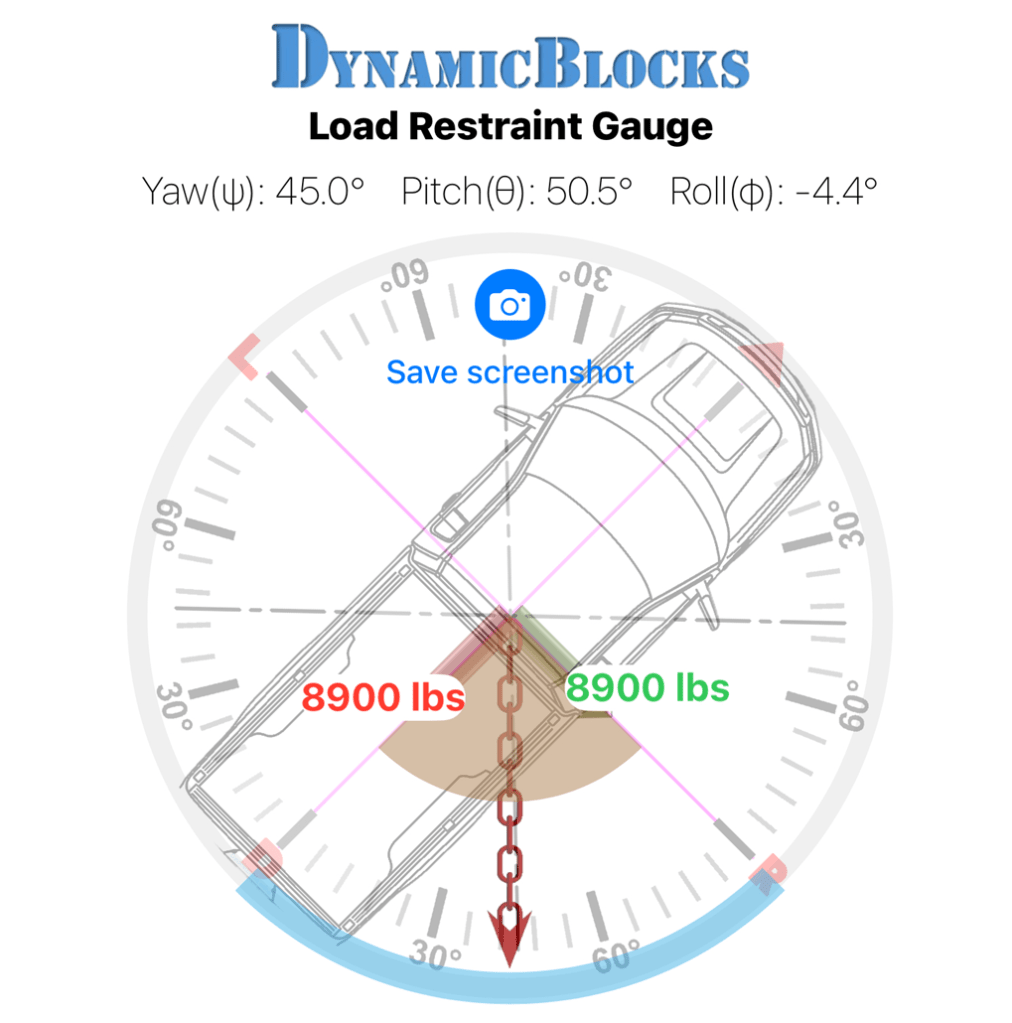
The cumulative restraints derived,
are grouped automatically into their respective directions:
Tie-down, acceleration, deceleration,
left-turn and right-turn.
Summarized within the mobile screen.
Each readings taken and saved. Are added on
as more lashings are being gauged.

With the cumulative restraint results,
the user can be assured if there is enough restraint.
This provides assurance that the load is secured for transportation.
(Next update will include frictional restraint that will at it a step further.)
User reference:
Send your queries to:
Support@DynamicBlocks.online
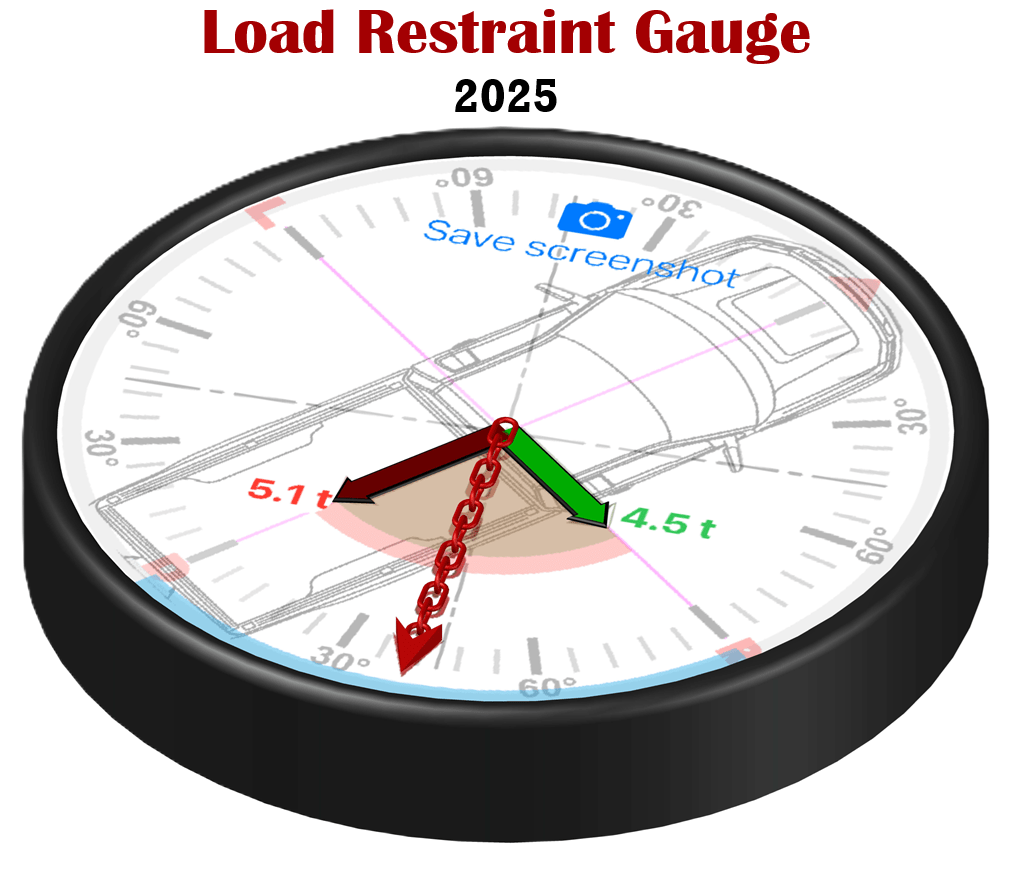
If there is a device already available in the market to do the same task. It is unlikely to beat the price of a mobile app where the hardware is already built-in. It uses the available resources of a smart phone that most people already owned.
Check it out in the full video below to see how it will help you.
Stay tuned for the Android version scheduled for launch soon.
 Dynamic Blocks online
Leave a comment